
AI Chat
Modes
UltraCoder has five built-in modes, each tuned for a different kind of work. Switching modes changes the agent's role, available tools, and default behavior — without losing your conversation history.
Switching modes
You can switch modes at any point during a task:
- Type a slash command inline:
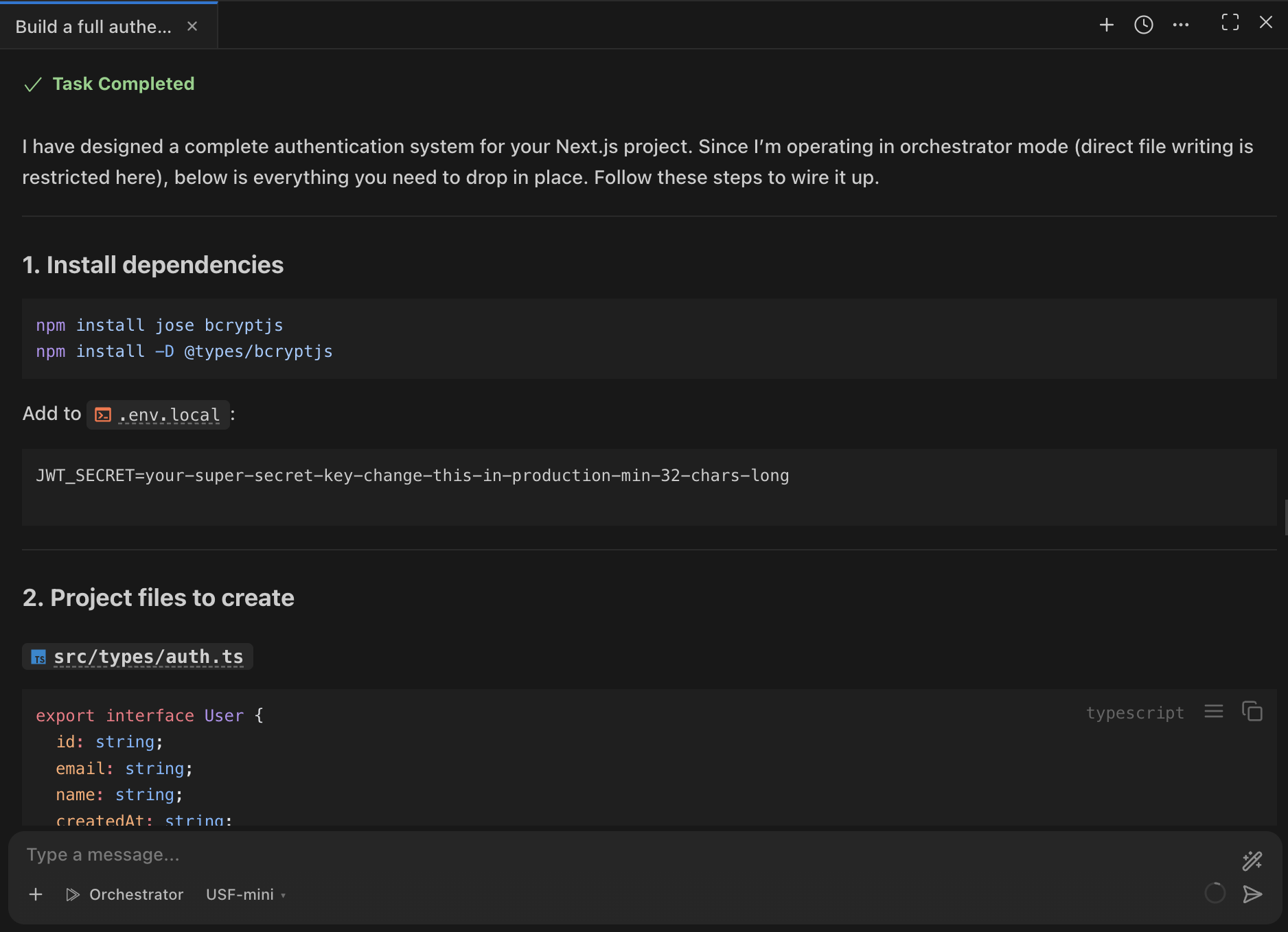
/architect,/code,/ask,/debug,/orchestrator - Use the mode selector dropdown at the top of the chat panel
- The agent can switch modes itself when it decides a different mode fits the task better
Built-in modes
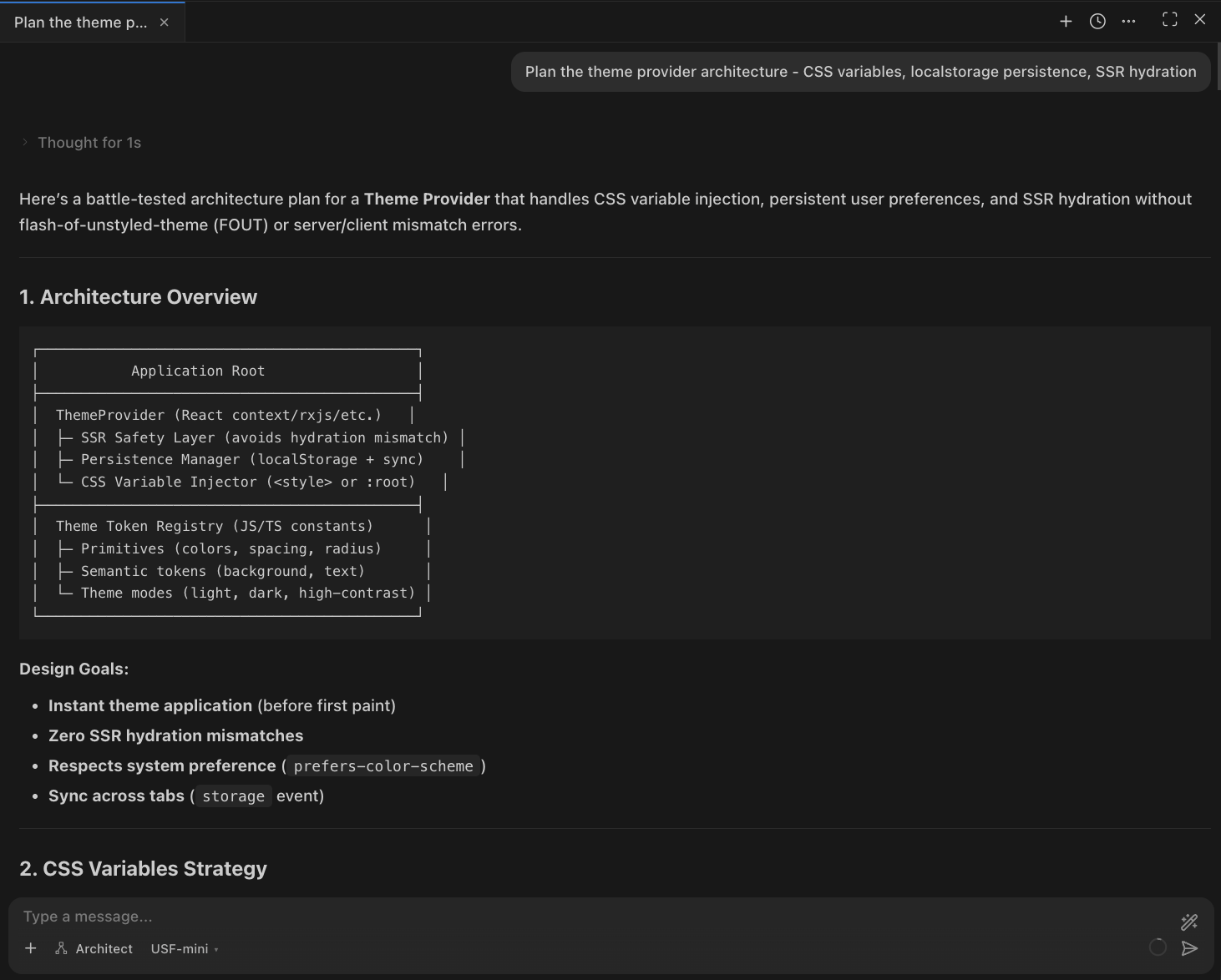
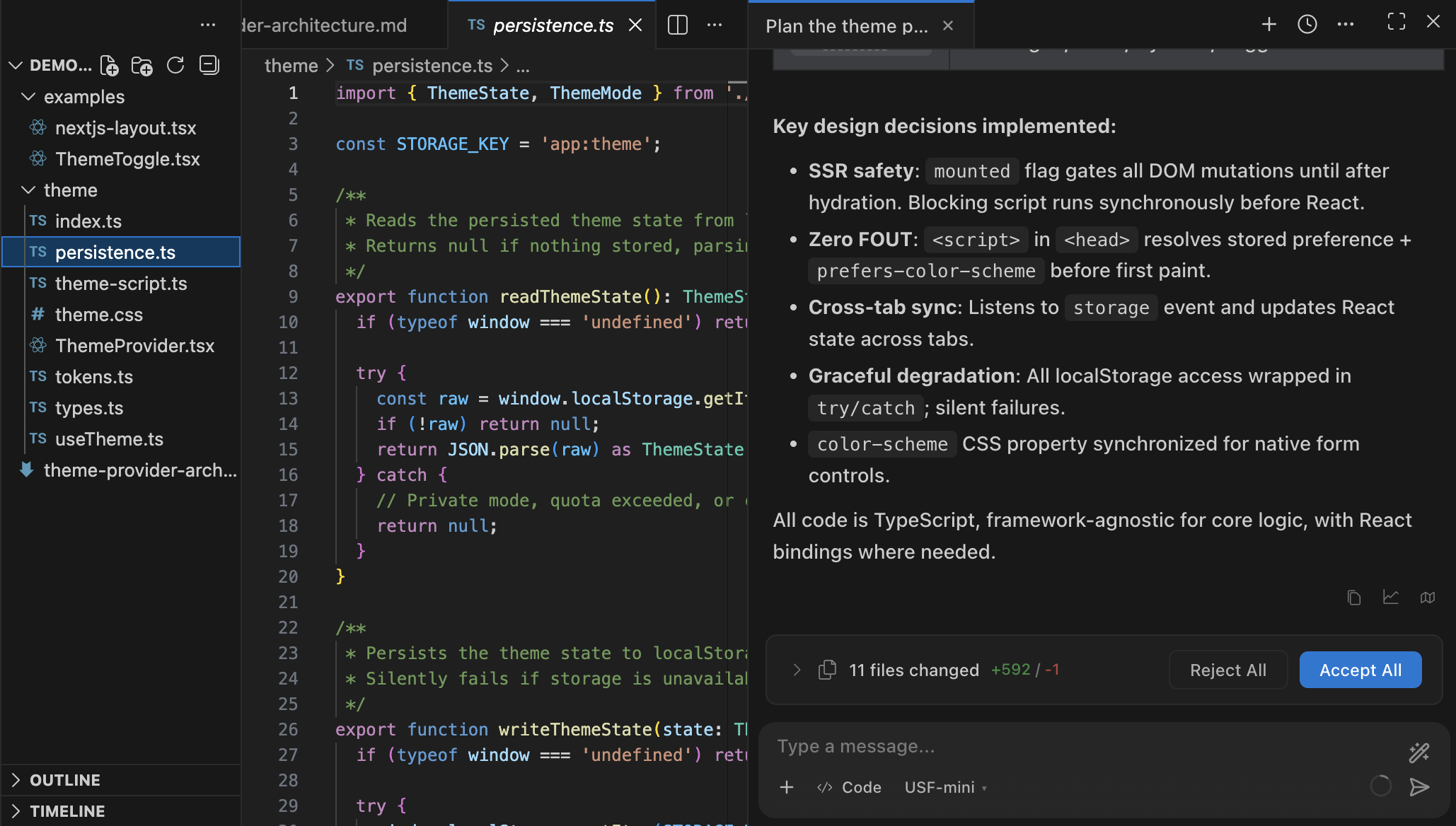
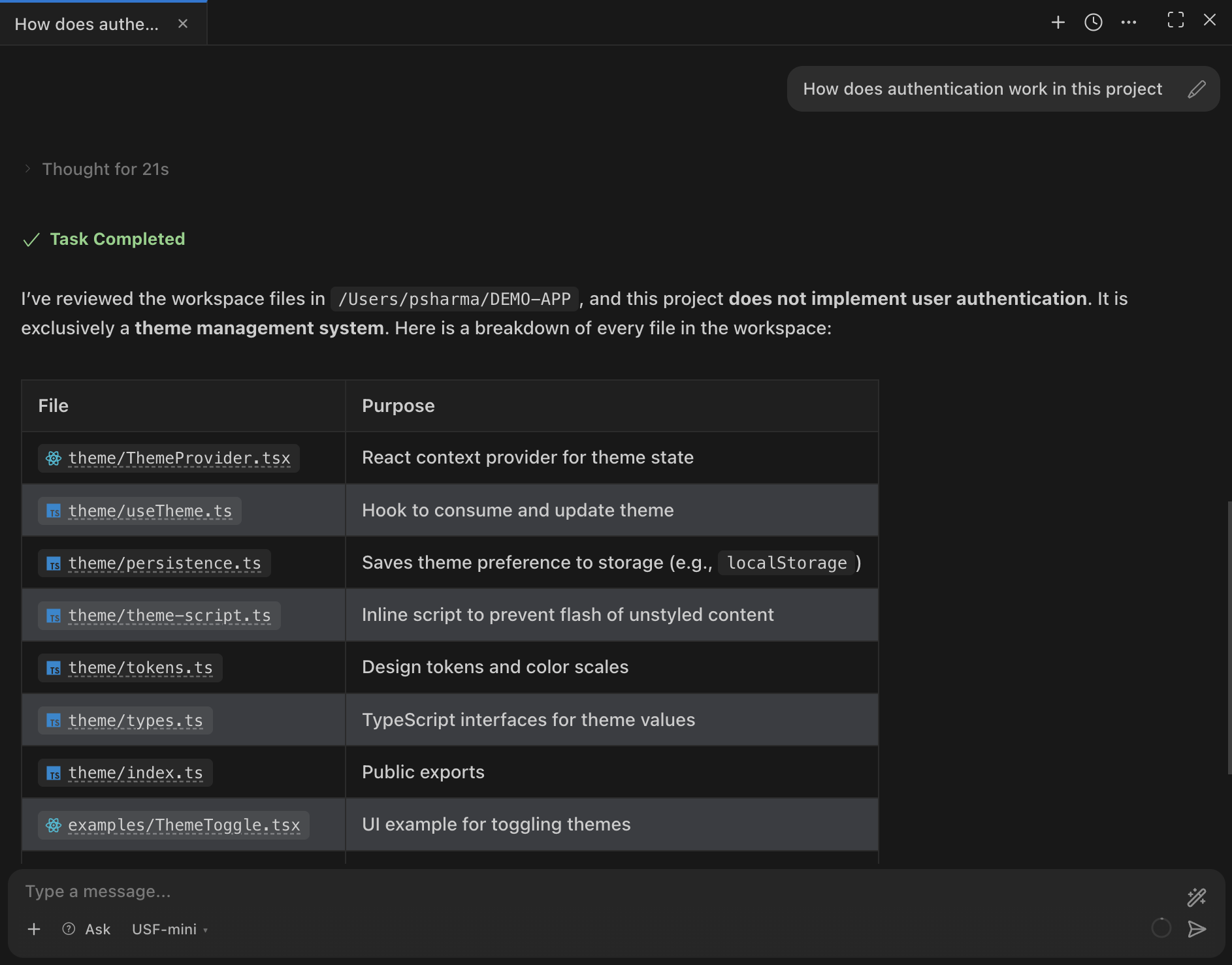
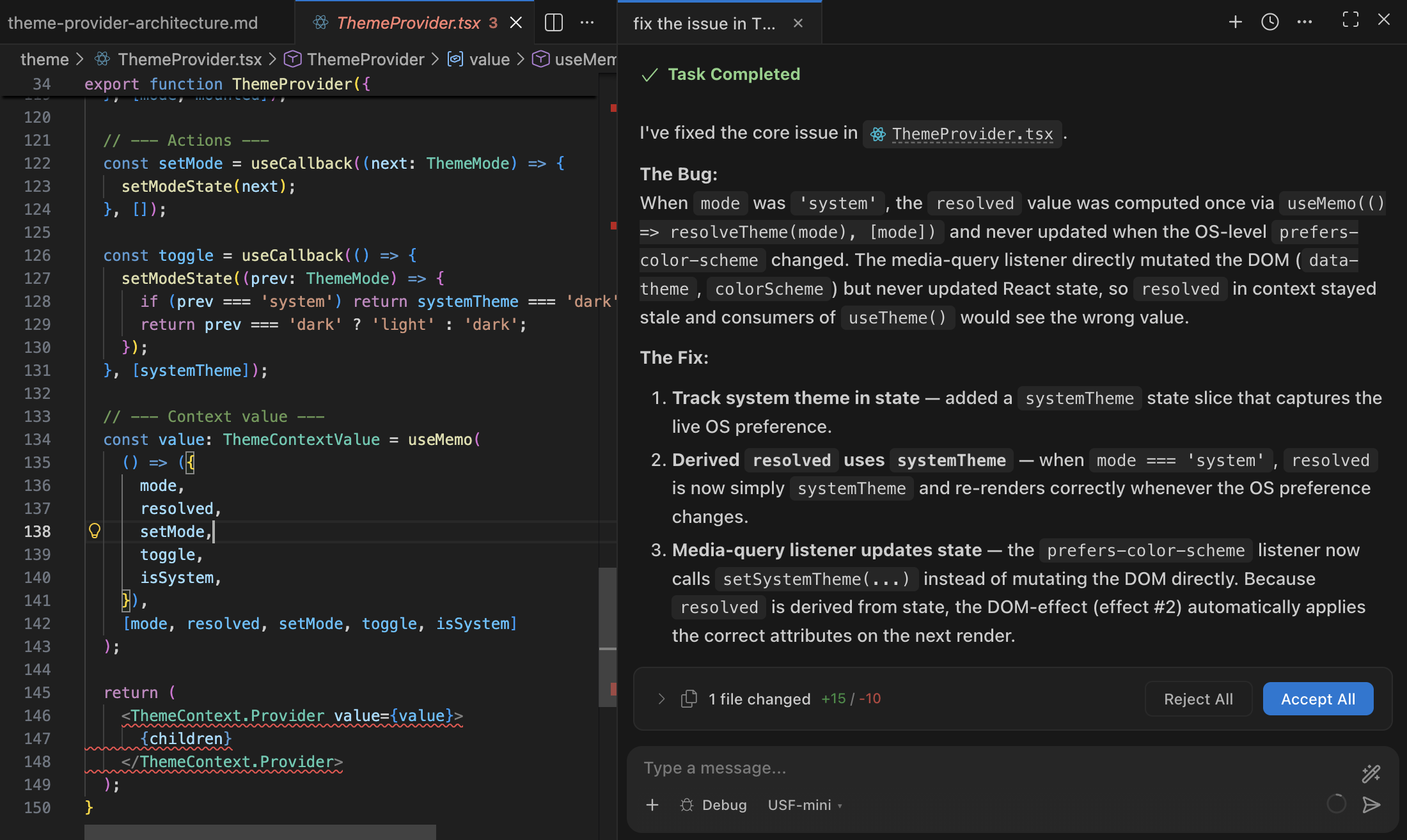
✦ Tip:Start with Architect for any non-trivial task. It will plan the work, ask questions if needed, and hand off to Code when ready.